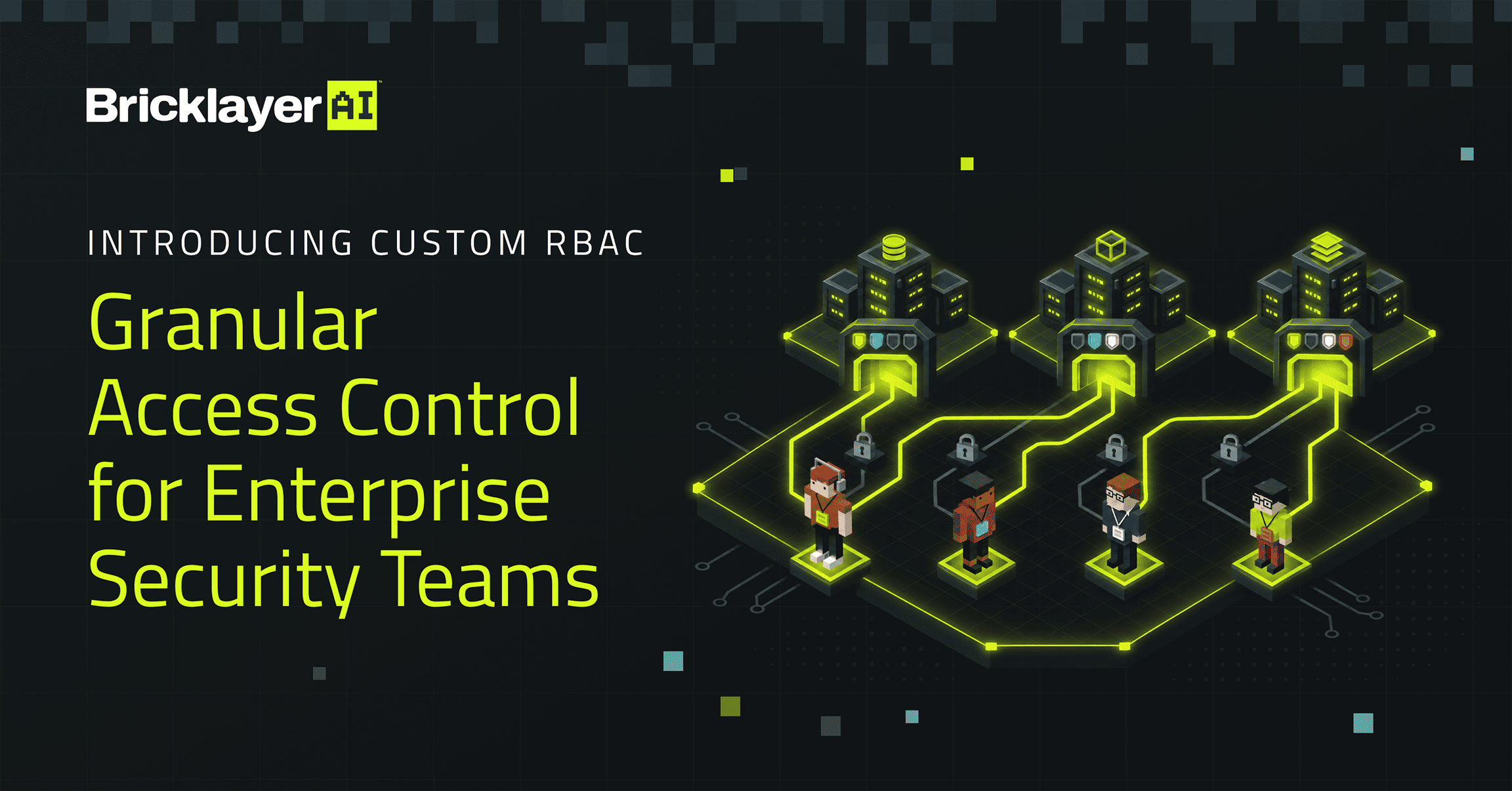
As security teams put AI agents to work, they need clear control over who can build agents, ask them to do work, review results, and administer the platform. Analysts investigate threats and work with agents. Engineers build agents and procedures. Security leaders oversee operations and review decisions. Administrators manage integrations, credentials, and platform configuration.
For enterprise security programs, the principle of least privilege is fundamental: users should have access to the resources and capabilities they need to do their jobs, and nothing more. That principle needs to extend to the platforms where security work gets done.
Today, we’re introducing Custom Role-Based Access Control (RBAC) in Bricklayer Enterprise Edition, giving organizations greater control over how permissions are assigned across their security teams.
Define roles around your team’s responsibilities
Bricklayer’s four built-in roles provide a straightforward starting point for managing access and supporting common team responsibilities. With Custom RBAC, organizations can go beyond these standard roles and define permissions tailored to their specific operational and security requirements.
Within Bricklayer’s Users and Permissions settings, administrators can create custom roles, selecting the specific permissions and corresponding access levels for each. This makes it possible to build access profiles around specific job functions and responsibilities rather than relying exclusively on predefined roles.
For example, an organization might create a ‘Security Operations’ role for team members who run procedures and review results. Administrators can select the relevant permissions and access levels for that role without granting broader access to capabilities such as API key management.


Create custom roles with permissions tailored to specific responsibilities.
Control which roles are available to each organization
Custom RBAC also extends to organization management.
When creating an organization in Bricklayer, administrators can now select which custom roles are available within that organization.

Choose which custom roles are available within each organization.
This gives enterprises additional flexibility when managing access across different business units, regional teams, or customer environments. Rather than making every role available everywhere, organizations can define the set of roles appropriate to each environment.
Together, custom role creation and organization-level role availability give enterprises and MSSPs granular control over how access is structured across Bricklayer.
Greater access control across your security organization
Custom RBAC helps enterprises expand participation in agentic security workflows while keeping each person’s access aligned with their responsibilities. By defining roles around specific responsibilities and controlling which roles are available within each organization, security teams can implement an access model that supports the principle of least privilege.
Custom RBAC is available now as part of Bricklayer Enterprise Edition. Log in to Bricklayer and visit Settings to create your first custom role, or book a demo to learn more.